
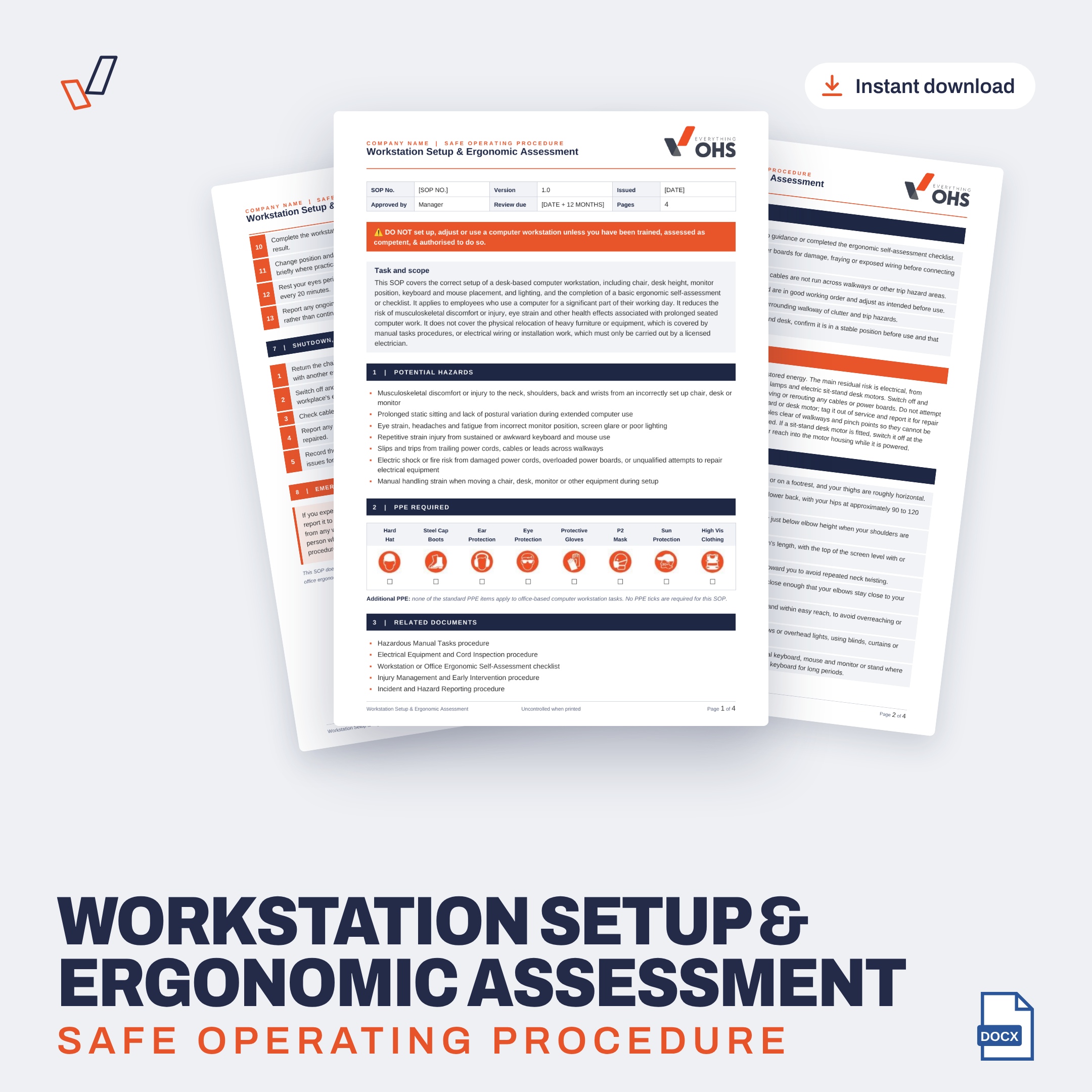

This Workstation Setup & Ergonomic Assessment SOP (Safe Operating Procedure) gives employees a clear method for setting up a desk-based computer workstation and completing an ergonomic self-assessment. It covers chair and desk height, monitor position, keyboard and mouse placement, lighting and glare, laptops, sit-stand desks, cable safety, postural breaks, eye rests and reporting discomfort early. It's written by WHS specialists, aligned to Australian WHS legislation, and fully editable in Microsoft Word.
Who it's for
Office-based businesses
Administration and reception teams
Call centres and customer service teams
Accounting, legal and professional services firms
Employees working from home
Use it to
Train and induct workers in exactly how you expect the task to be done
Keep a clear reference at the machine, in the vehicle or on site
Record competency with the built-in sign-off
Show clients, insurers and auditors your safe work methods are written down
What this SOP covers
Neck, shoulder, back and wrist discomfort from a poorly set up chair, desk or monitor
Long periods of static sitting
Eye strain, headaches and fatigue from glare or poor lighting
Repetitive strain from keyboard and mouse use
Trips on trailing cords and cables
Electric shock or fire from damaged cords or overloaded power boards
Manual handling when moving chairs, desks or monitors
What's included
6 pre-operational checks, from setup guidance and the self-assessment to power cords, power boards, furniture condition and sit-stand desks
A 13-step operating procedure covering chair, backrest, desk height, monitors, keyboard, mouse, glare, laptops, breaks and eye rests
Isolation and energy control for unplugging equipment before cable work and tagging out damaged cords or desk motors
5 shutdown, housekeeping and post-operation steps
Emergency actions for sudden pain or numbness, smoke or sparks and electric shock
PPE checklist and a list of related documents
Competency acknowledgement and worker sign-off
Space for your logo, SOP number, version and review dates
Why use this template
Saves hours compared with writing an SOP from a blank page
Written as clear, numbered steps that workers can follow on the job
Fully editable, so you can match it to your equipment, site and how your team works
The competency sign-off gives you a training record from day one
How it works
Buy online and download straight away. You'll also get an email with your link.
Add your logo, company name, SOP number and dates.
Check it suits your equipment and site, and edit anything you need to.
Train your workers and have them sign the competency acknowledgement.
Need more than one SOP?
This SOP is also included in the Ultimate Professional & Business Services SOP Bundle. At $197 for the whole bundle, it works out much cheaper than buying SOPs one at a time.
Common questions
Does it include an ergonomic checklist?
Yes. Workers complete a basic workstation ergonomic self-assessment checklist as part of the procedure and adjust their setup based on the result.
Does it cover sit-stand desks?
Yes. It covers checking an electric sit-stand desk is stable and working, routing cables clear of the lifting frame, and switching off the motor before cable work.
Can I change it?
Yes. It's a Microsoft Word file, so you can add, remove or change any step, check or hazard, and add your own logo and details.
Does it suit my state?
Yes. It's written to the model WHS laws and suits all states and territories, including Victoria under the OHS Act and Regulations.
What if it doesn't suit my work?
You're covered by our 30-day money-back guarantee if it isn't fit for purpose.


